A relaxed mini golf game with nine garden courses. Drag the ball to aim, bounce around walls, cross portals and beat your best stroke count. Free to play, with a Chinese-language game interface.
Screenshots
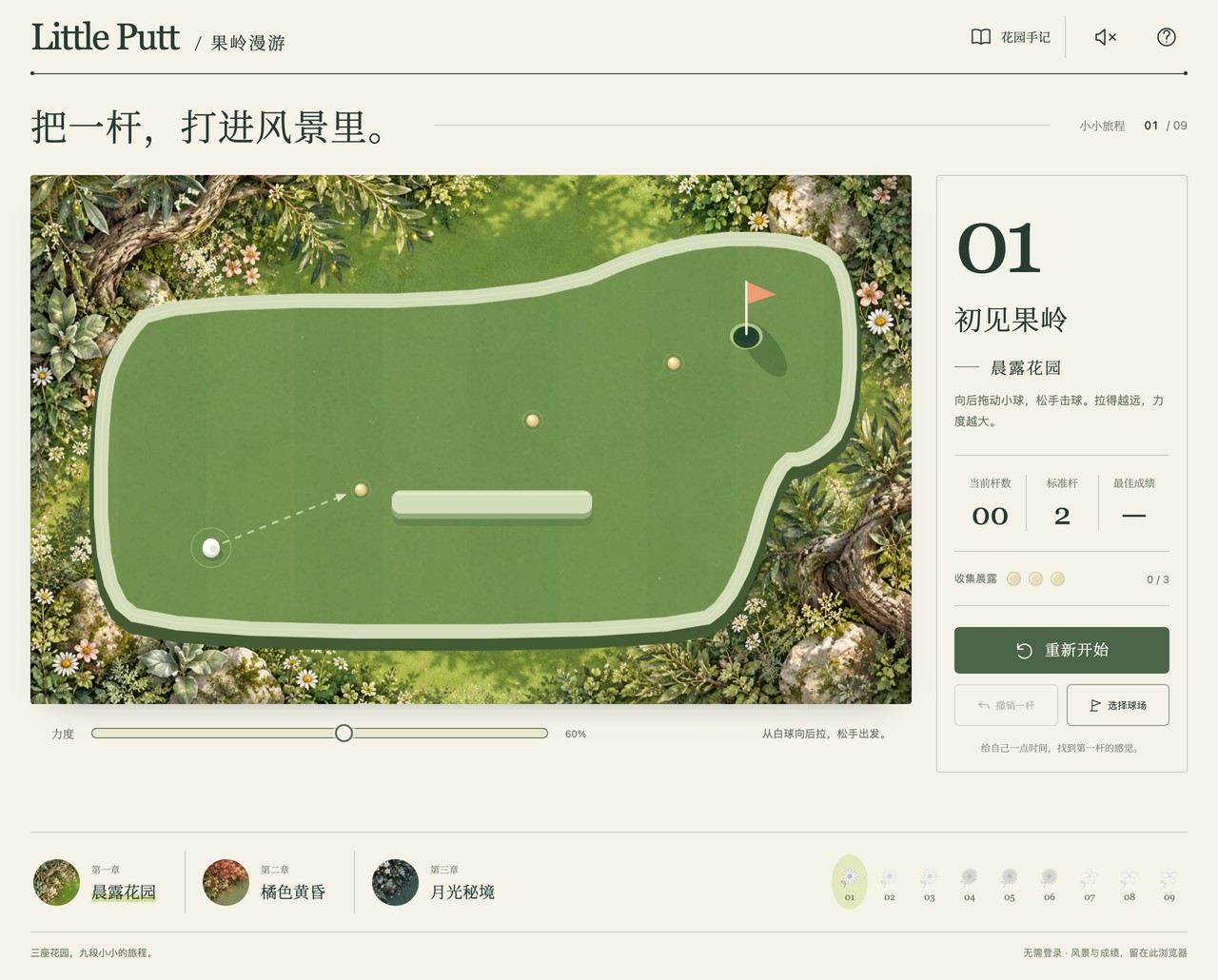
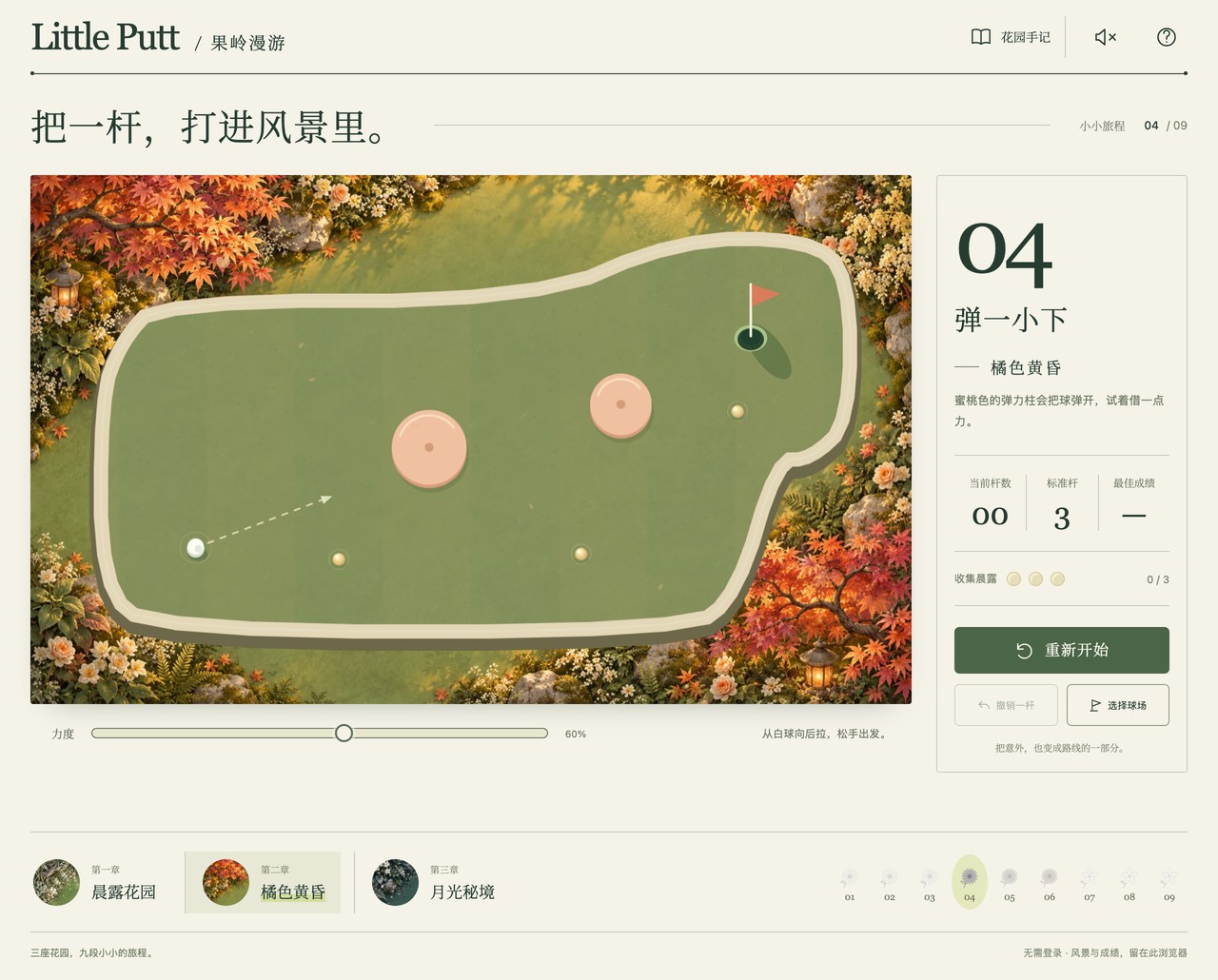
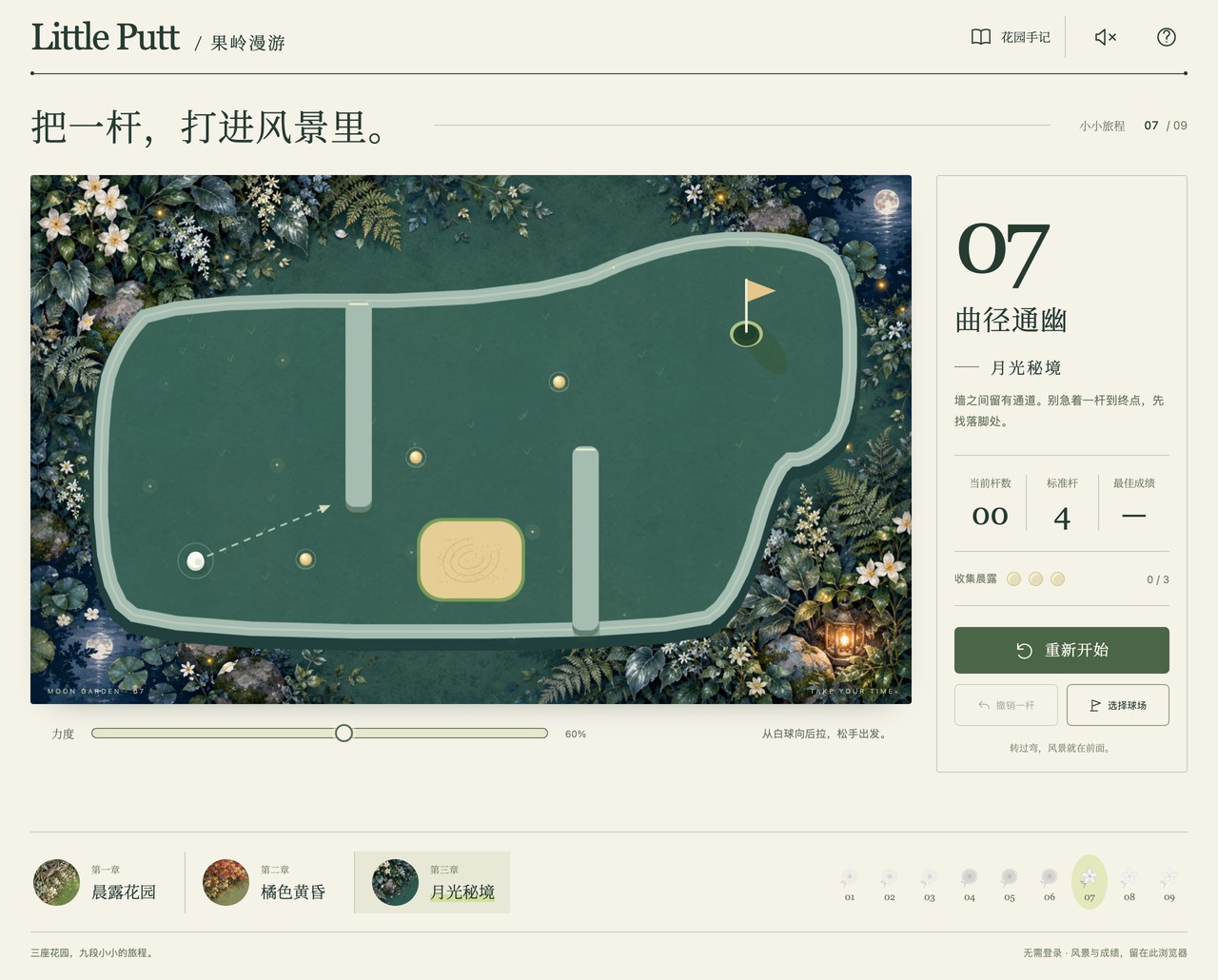
About Little Putt
Take a small break in nine miniature gardens. Pull back from the white ball to choose your direction and strength, then release to shoot. There is no countdown.
Each course introduces a new route or obstacle. Mint walls rebound the ball, sand slows it down, peach bumpers add a little bounce, and paired portals carry the ball across the garden. Landing in water returns you to your shot position with one penalty stroke.
Finish at or below par for three stars, one over par for two stars, or complete the course for one star. Every course is available from the start, and you can undo a shot or restart whenever you want.
Best scores stay in this browser. Sound effects are optional and off by default. The game interface is currently in Chinese; this page includes English instructions.
Features
- Nine courses across morning, amber dusk and moonlight gardens.
- Drag-to-aim controls with a short trajectory preview.
- Rebound walls, sand, bumpers, water and paired portals.
- Three-star goals, dew collection, a flower journal and downloadable postcards.
- Mouse, keyboard and touch controls.
- Optional sound effects; no sign-up or countdown.
How to play
- Press on the white ball and drag in the opposite direction to your intended shot.
- Pull farther for a stronger shot. Release to send the ball rolling.
- Aim for the cup and approach gently: a fast ball can roll over it.
- Use walls and portals, allow for sand, and avoid the water.
- Finish the course, try the next garden or replay to improve your best score.
Controls
| Input | Action |
|---|---|
| Mouse drag | Pull back from the ball and release to shoot |
| Left / right arrows | Aim; hold Shift for finer adjustments |
| Up / down arrows | Adjust shot strength |
| Space | Shoot when the course has focus |
| U / R | Undo the last shot / restart the course |
| Esc | Cancel the current drag |
| Input | Action |
|---|---|
| Drag from the white ball | Aim and set strength; lift your finger to shoot |
| Restart / Undo buttons | Replay the course or take back the last shot |
| Choose course / numbered buttons | Visit another garden |