A free drawing telephone party game in your browser: write a line, the next player draws it, the next one guesses the drawing, and so on. Share one link, 2 to 50 players, no sign-up.
Screenshots
About Doodle Relay
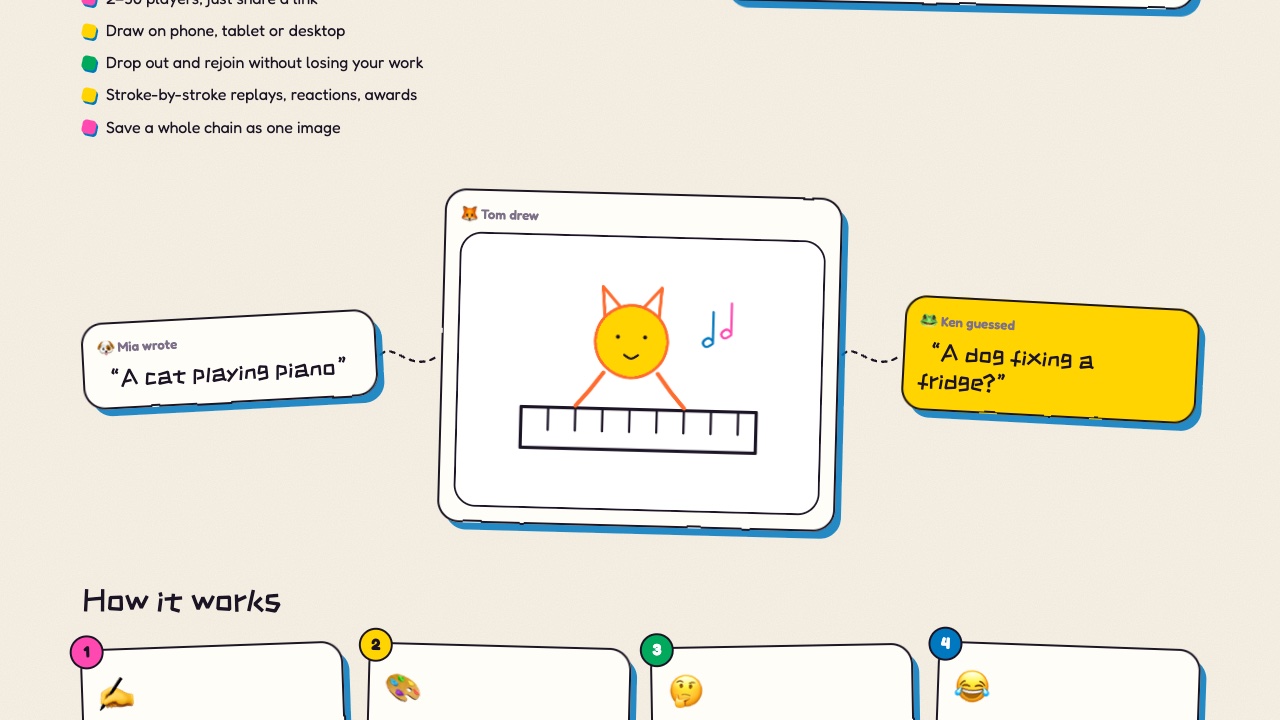
Doodle Relay is the telephone game with pictures. Everyone writes a short line to start, then the lines travel around the room: the next player draws what they read, the player after that guesses what the drawing shows, and it keeps alternating until each chain comes home. A cat playing piano can turn into a dog fixing a fridge in three hops.
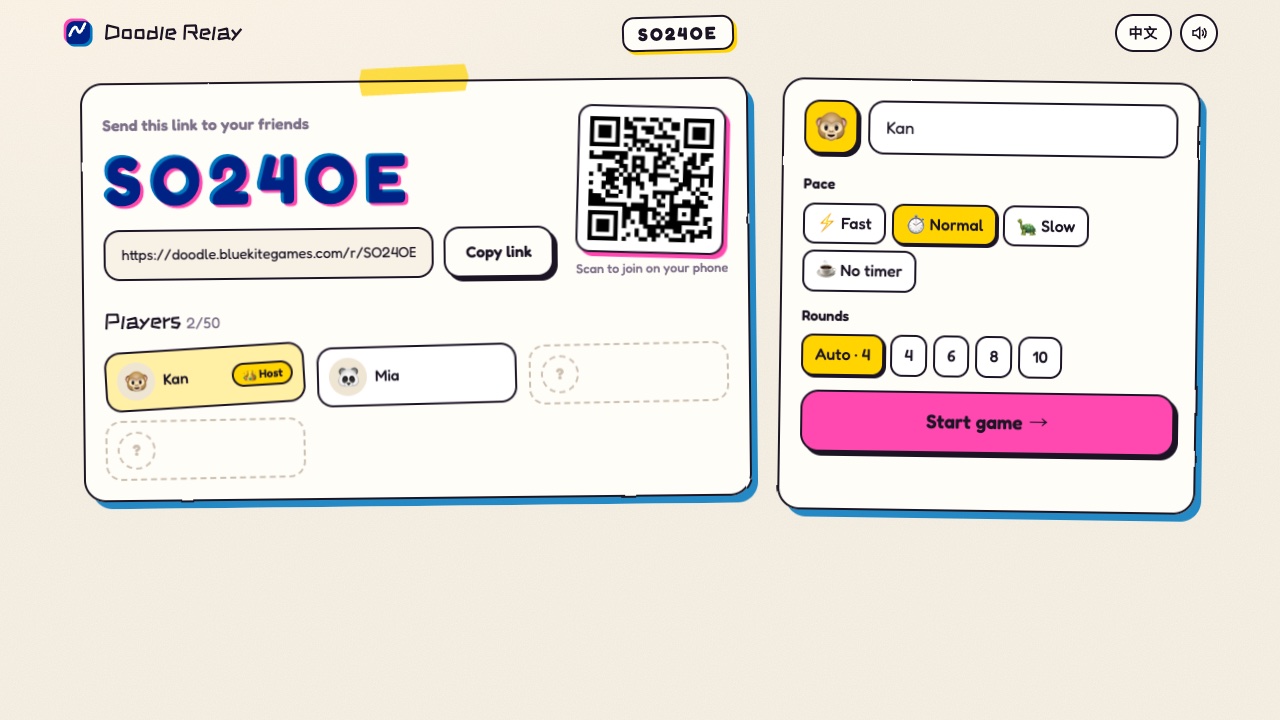
Starting a game takes seconds. Create a room, then send the link or let friends scan the QR code with their phones. Two people are enough to play, and up to 50 can join the same room. Nobody needs an account or an app.
Pick a pace that suits your group, from a one-minute dash per drawing to no timer at all. Your drawing is saved as you go, so if your phone locks or the Wi-Fi drops you come back to exactly where you were, and the game waits a moment for anyone who briefly disconnected.
The best part is the reveal. Each chain is played back card by card, drawings redraw stroke by stroke, and every chain ends with its first line next to its last result. Throw emoji reactions, like your favourite moments, and see who wins the awards. Then save a whole chain as an image or a short video to share.
Features
- Share one link or QR code: 2 to 50 players in a room.
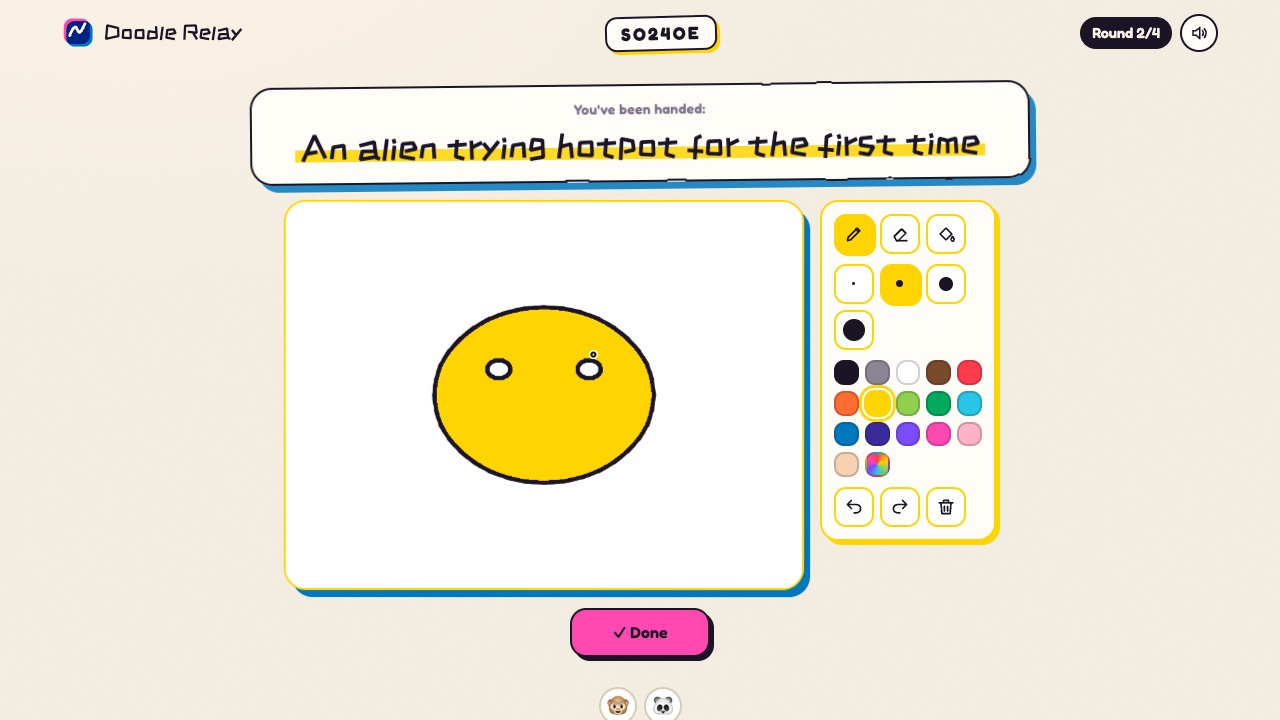
- Draw with pen, eraser and paint bucket, 16 colours and 4 brush sizes.
- Four paces, from one minute per drawing to no timer.
- Auto-saved drawings: rejoin after a drop without losing your work.
- Theatre-style reveal with stroke-by-stroke replays and a start-vs-end card.
- Emoji reactions, likes and end-of-game awards.
- Save a chain as a long image or a 4:5 video.
- No sign-up, no ads, English and Chinese.
How to play
- Enter a name and press Create room.
- Send the link to your friends, or let them scan the QR code. Two players are enough.
- The host picks a pace and presses Start game.
- Round 1: write a short line, or press the dice for an idea. After that, draw what you are handed or guess what a drawing shows.
- When every chain is complete, watch the reveal together, react, and save your favourite chain.
Controls
| Input | Action |
|---|---|
| Mouse drag | Draw |
| Ctrl / ⌘ + Z | Undo a stroke |
| Ctrl / ⌘ + Shift + Z | Redo |
| Enter | Submit your line or guess |
| Input | Action |
|---|---|
| Drag a finger | Draw |
| Tap the toolbar | Change tool, size or colour |
| Tap Done | Submit |