Free online chess in your browser: play the computer at 8 levels, get matched with players online, and review every game with Stockfish as often as you like. No sign-up, no ads.
Screenshots
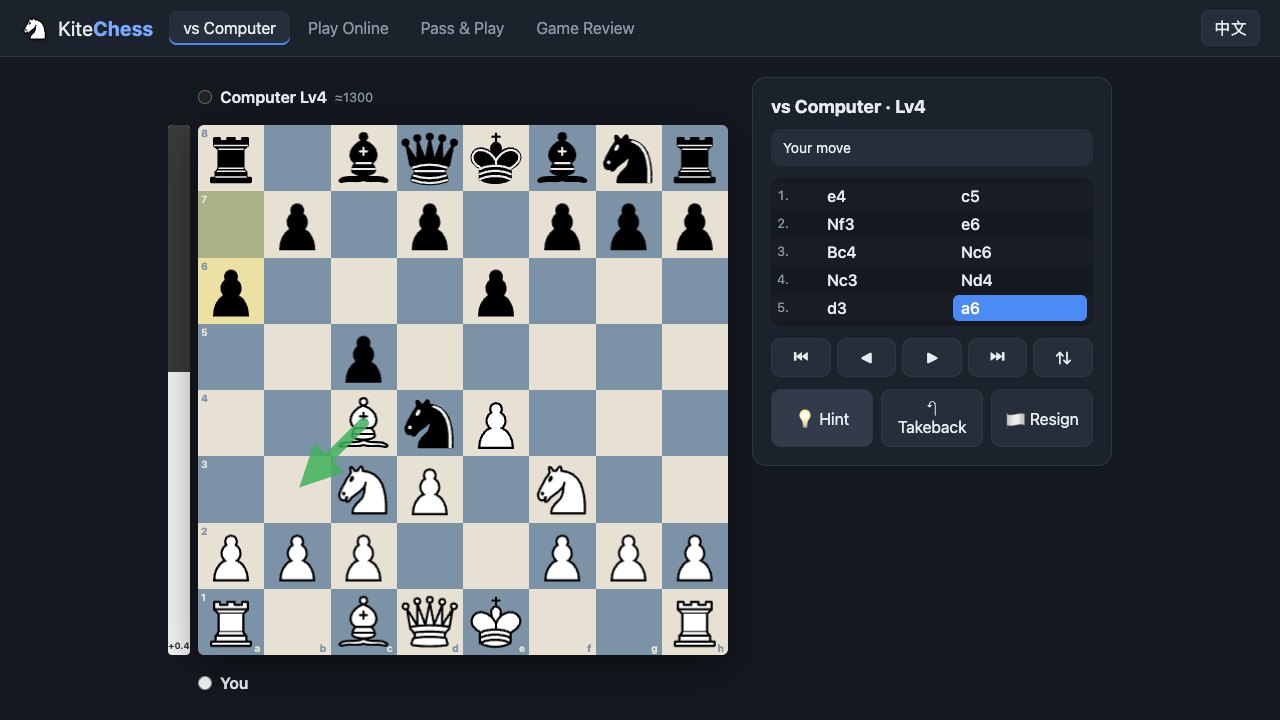
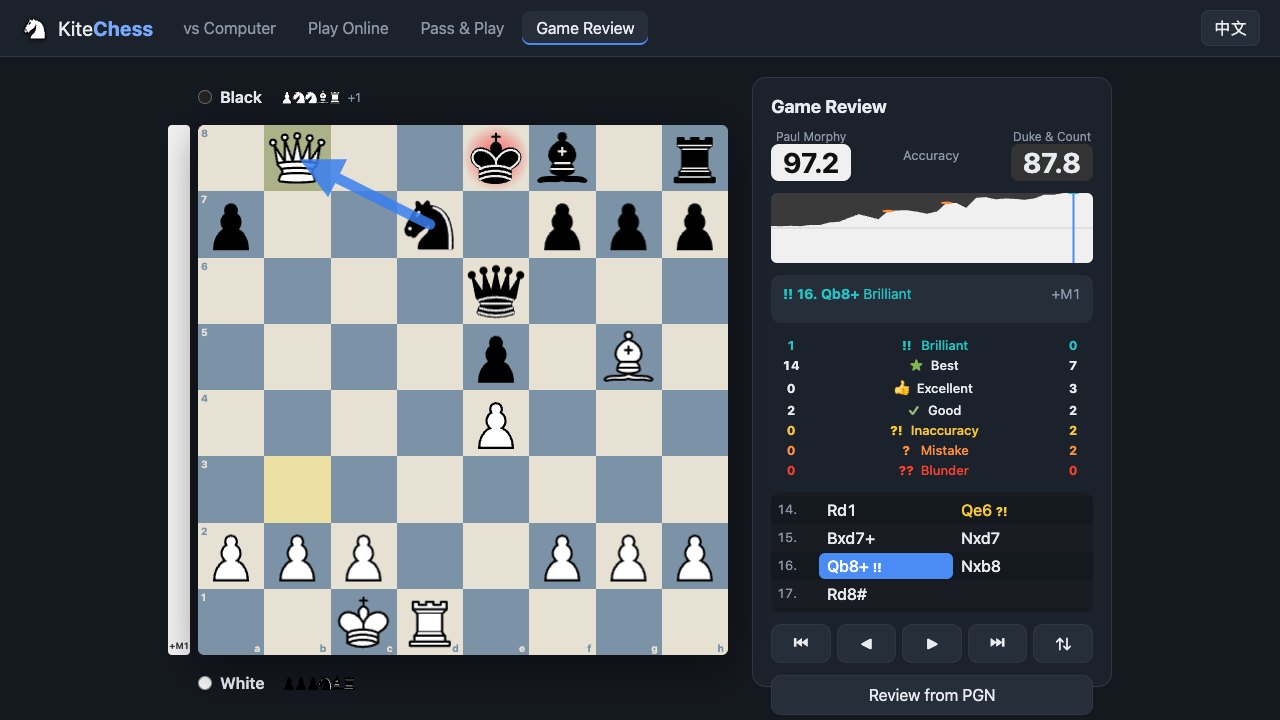
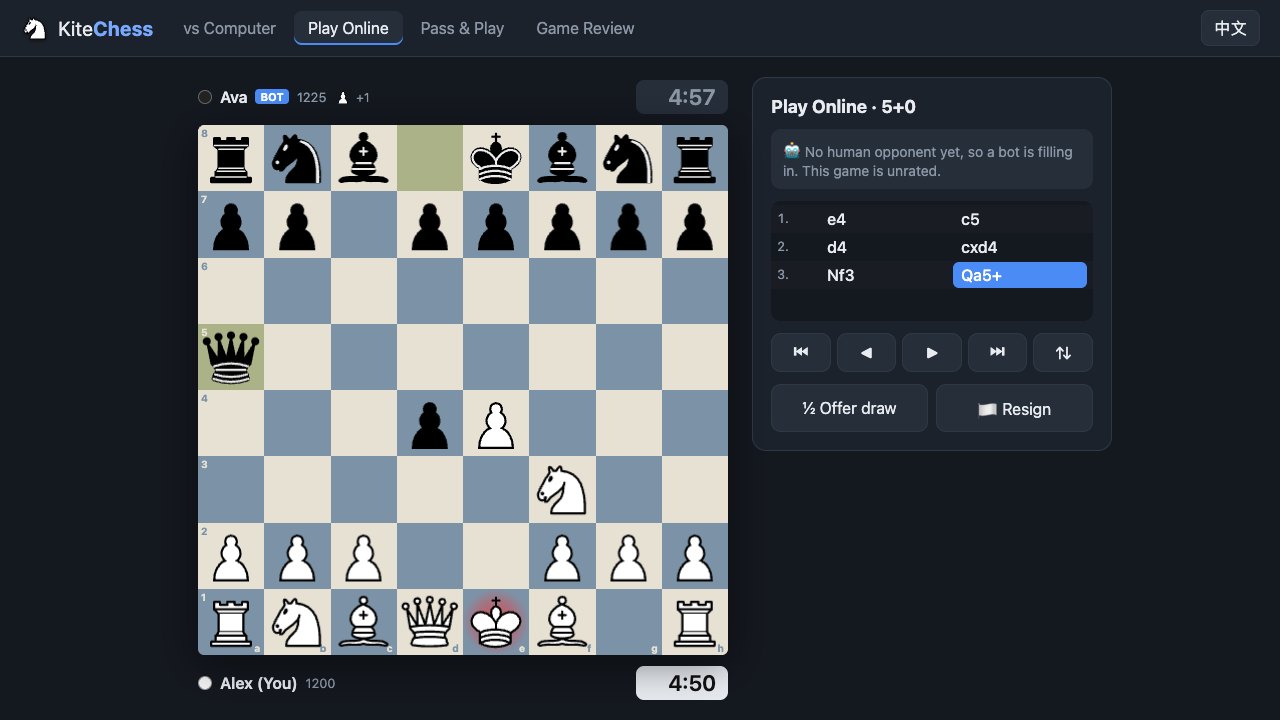
About Kite Chess
Kite Chess is a clean, fast place to play chess in your browser. Open the page and the board is right there: play the computer, find an opponent online, or pass the device to a friend for a game at the same table.
The computer comes in eight levels, from about 400 to beyond 2800, so beginners and strong club players both get a fair fight. Stuck? Ask for a hint and an arrow shows the engine’s best move. Made a slip? Take it back.
Online games are matched by time control and rating, from 1-minute bullet to 30-minute classical. The server checks every move and runs the clocks, and if you lose your connection you can pick the game up where you left off. When no human is around, a bot fills in straight away. Bot games are clearly labelled and never affect your rating.
After every game you can run a full Game Review for free, as often as you like. The Stockfish engine runs right in your browser and grades each move from Brilliant to Blunder, works out both players’ accuracy, draws an evaluation graph and shows the better move whenever you went wrong. You can also paste any PGN to review games from elsewhere.
Features
- Play the computer at 8 levels, from about 400 to 2800+, with hints and takebacks.
- Online matchmaking by time control and rating, with server-run clocks and reconnect.
- Instant bot fill-in when nobody is online. Bot games are labelled and unrated.
- Unlimited free Game Review: move grades, accuracy, evaluation graph and best moves.
- Review any game by pasting its PGN.
- Pass & Play for two players on one device.
- No sign-up, no ads, English and Chinese.
How to play
- Choose vs Computer, Play Online or Pass & Play at the top.
- Against the computer, pick a level and a colour, then press Start game.
- Online, pick a time control and press Find match. If no one is around, a bot joins within a few seconds.
- Click a piece and then a highlighted square, or drag the piece. Dots show the legal moves.
- When the game ends, press Review this game for free to see what went right and wrong.
Controls
| Input | Action |
|---|---|
| Click or drag | Move a piece |
| ← / → | Step back and forward through the moves |
| ↑ / ↓ | Jump to the start or the latest move |
| F | Flip the board |
| Input | Action |
|---|---|
| Tap a piece, then a square | Move a piece |
| Drag | Move a piece |
| Tap a move in the list | Jump to that position |