A peaceful hex-tile puzzle: place miniature landscapes, clear complete lines in three directions, and save your own island as a postcard. Free to play, with a Chinese-language game interface.
Screenshots
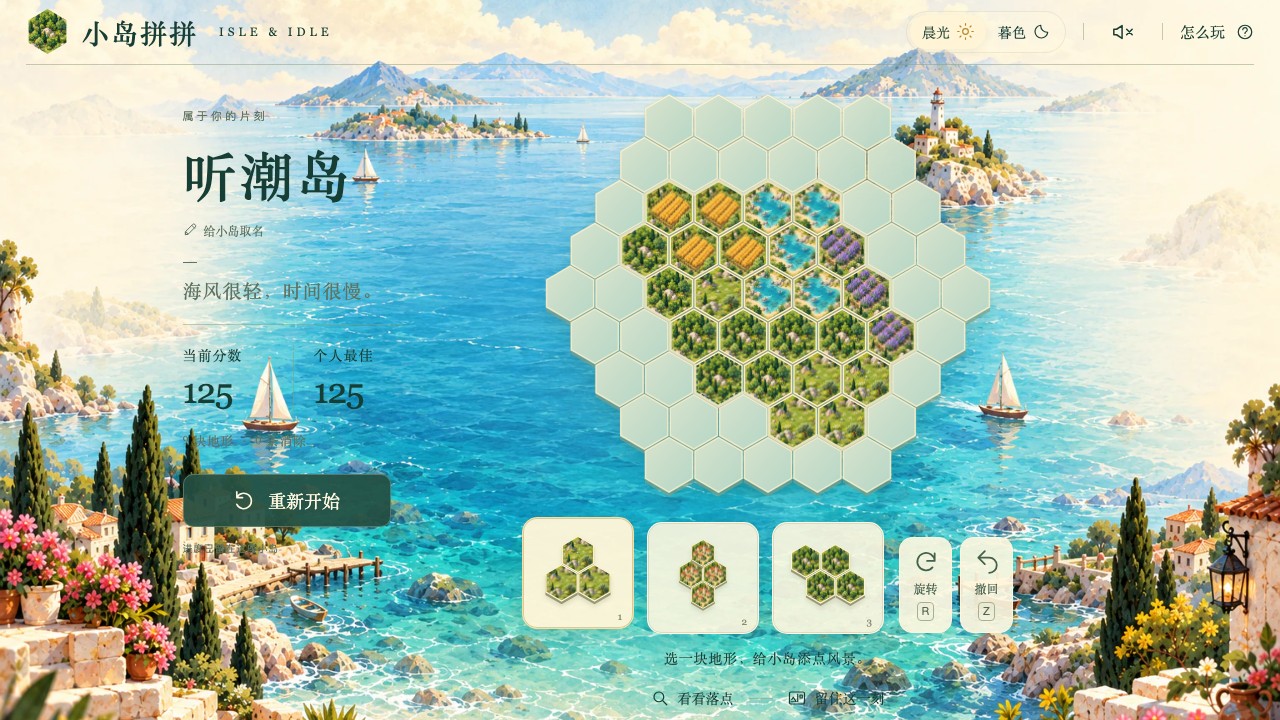
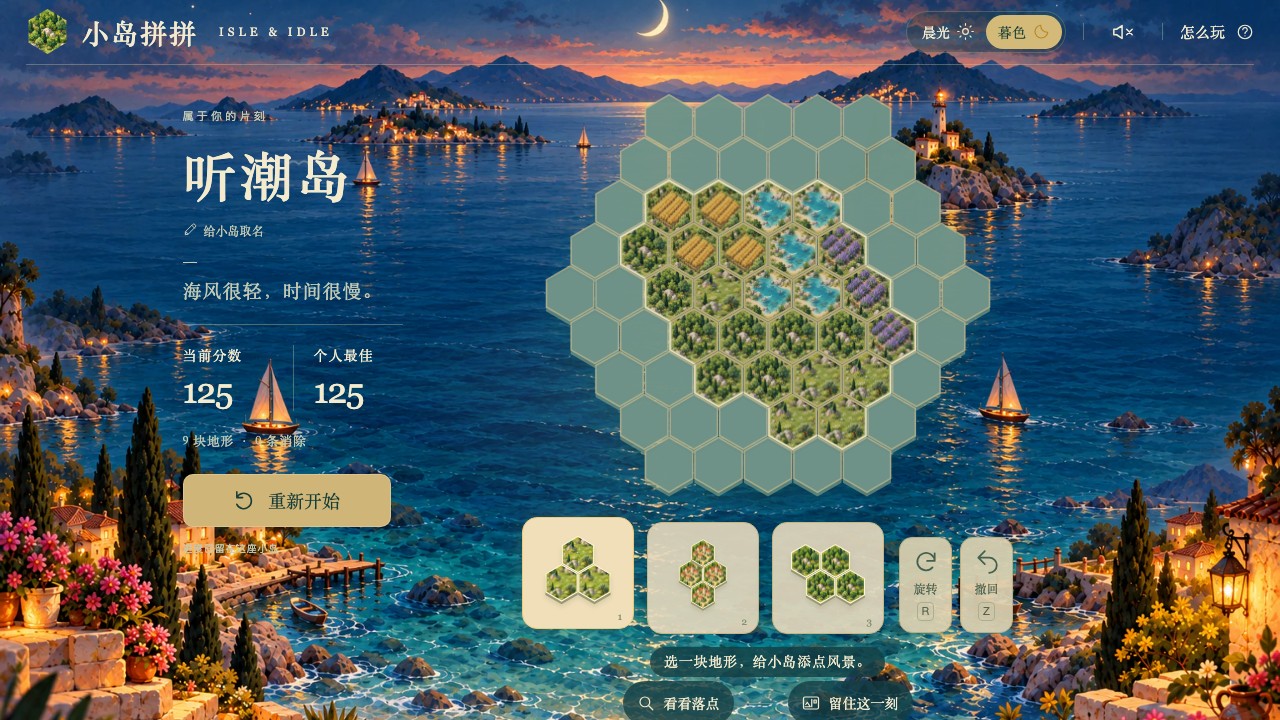
About Isle & Idle
Build a small island from forests, villages, wheat fields, flowers, lakes and meadows. Choose a piece, rotate it, and leave enough room for the next landscape. Terrain colours do not affect the rules.
Complete a line horizontally or along either diagonal to clear it. Clear several lines in one move for a bigger bonus, or keep a clearing streak going. There is no countdown.
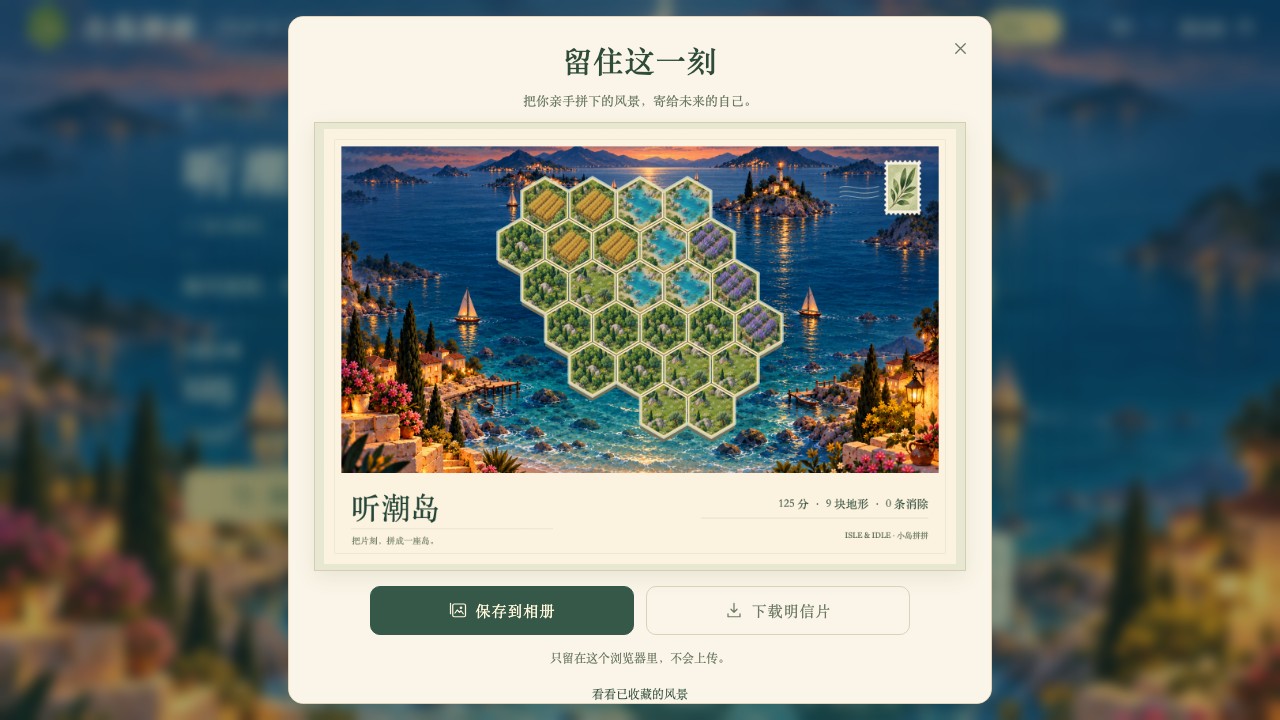
Name your island and switch between morning light and dusk. When you like the view, turn your actual island, name and score into a downloadable 1600 × 1100 PNG postcard. A local album holds up to eight snapshots.
The first visit includes a separate practice island. Progress, your best score, island name and collected postcards stay in this browser. The game interface is currently in Chinese.
Features
- 61-cell hex board with six miniature landscapes.
- Three-direction line clears, simultaneous bonuses and clearing streaks.
- An independent first-visit practice, placement suggestions and one-step undo.
- Morning and dusk artwork, optional locally generated wave sounds.
- Your own island name and downloadable postcards from the actual board.
- An eight-card local album; downloads remain available when it is full.
- Mouse, keyboard and touch controls. No account required.
How to play
- Complete or skip the first-visit practice.
- Choose a piece below the board, then tap an empty spot or drag it onto the sea.
- Rotate the piece to fit. Fill a complete line in any of three directions to clear it.
- Use all three pieces to receive a new hand. Undo the last placement when you need to.
- Open the postcard button below the board to collect or download the current view.
Controls
| Input | Action |
|---|---|
| 1 / 2 / 3 | Select a piece |
| R / Z | Rotate / undo the last placement |
| Arrow keys, Enter / Space | Move board focus and place the piece |
| Mouse click / drag | Choose and place a landscape |
| Input | Action |
|---|---|
| Tap a piece, then the board | Choose and place a landscape |
| Drag a piece | The grabbed hex follows the preview above your finger |
| Rotate / Undo buttons | Adjust the piece or take back the last placement |